
Table of Contents
Every time your PC loads a web page, it hands over a small but revealing detail: your IP address. That single number tells a website roughly where you are, which broadband provider you use and, over time, a surprising amount about your habits. For most of us that’s fine. But if you run an online shop, manage ad campaigns, test websites, or simply want more control over your privacy, it pays to understand the tool that lets you choose which IP address the world sees: the proxy server.
This guide explains what a proxy actually does, how the main proxy types differ, why a UK-based IP address matters for British users and businesses, and how to set one up on a Windows PC in a few minutes.
What a Proxy Server Actually Does
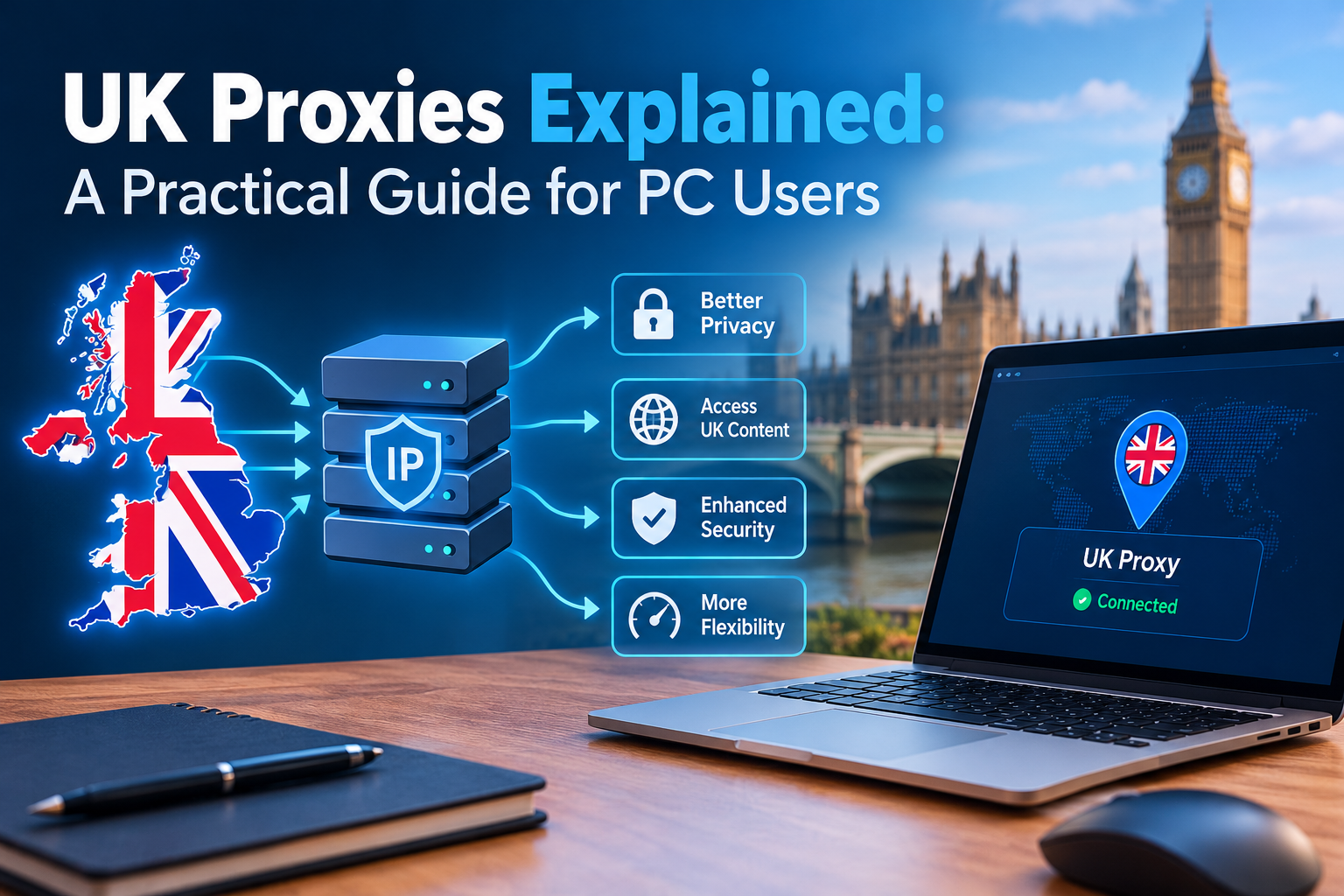
A proxy server is a middleman between your computer and the internet. Instead of your browser contacting a website directly, it sends the request to the proxy. The proxy forwards that request using its own IP address, receives the response, and passes it back to you.
To the website, the visitor appears to be the proxy, not your PC. Your real IP address stays hidden behind it. That simple swap is what makes proxies useful for privacy, testing, research and managing multiple accounts.
There are two common protocols you’ll come across. HTTP and HTTPS proxies handle web traffic and work in almost every browser and scraping tool. SOCKS5 proxies work at a lower level, so they can carry almost any kind of traffic, including games, torrent clients and custom applications.
The Four Main Types of Proxy
Not all proxies are equal. Where the IP address comes from decides how fast it is, how much it costs and, crucially, how much websites trust it.
| Proxy type | Where the IP comes from | Strengths | Best for |
|---|---|---|---|
| Datacenter | Servers in a data centre | Fastest and cheapest, often unlimited bandwidth | Bulk data collection, public records, speed tests |
| Residential | Real home broadband connections | Looks like an ordinary household user, rarely blocked | Price monitoring, ad checks, login-heavy sites |
| ISP (static residential) | Ranges registered to broadband providers, hosted on servers | Residential trust with datacenter speed and a fixed IP | Account management, long sessions |
| Mobile | 4G and 5G mobile networks | Highest trust, since many users share each mobile IP | App testing, mobile-only content, social platforms |
Datacenter proxies are the workhorse for high-volume jobs where speed matters more than looking human. Residential and mobile proxies cost more, usually billed per gigabyte, but they get through the stricter anti-bot systems that many retailers and platforms now use.
You’ll also see proxies described as rotating or sticky. A rotating proxy gives you a new IP on every request or every few minutes. A sticky session keeps the same IP for a set time, which is essential for anything that involves logging in.
Why a UK IP Address Matters
The internet is far more local than it looks. Search results, shop prices, adverts, delivery options and even news headlines change depending on where a website thinks you are. If your proxy exits in Amsterdam or Virginia, you’ll see a version of the web that a customer in Leeds or Bristol never does.
The UK is also a distinct market in its own right. Since leaving the EU, Britain runs its own rules on data protection, advertising standards and financial promotion. A Dutch or Irish IP address is no longer a reliable stand-in for a British one.
Region matters within the UK, too. Grocery delivery slots, local search packs and some retail prices differ between London, Manchester and Birmingham. A good UK proxy lets you pick not only the country but the city, and sometimes the broadband provider, such as BT, Virgin Media, Sky or EE.
There’s a practical reason for British users as well. Some UK sites, from local retailers to certain public-sector portals, restrict or reshape what they show to overseas visitors. If you work abroad but sell to UK customers, a UK proxy lets you see your own shop, ads and search rankings exactly as they do.
Practical Ways PC Users Put UK Proxies to Work
Proxies used to be a niche tool for network engineers. Today they sit in the everyday toolkit of marketers, developers and small business owners.
- Local SEO checks. Search Google from a Manchester or London IP to see your real ranking, local map pack and competitors, rather than a result personalised to your own browsing history.
- Ad verification. Confirm your Google, Meta or display ads actually appear to UK audiences, render correctly and aren’t being hijacked by click fraud.
- E-commerce price monitoring. Track competitor prices and stock levels on UK retail sites. Residential IPs are important here, because big retailers often serve stale or misleading data to datacenter traffic.
- Website and app testing. Developers can check geo-targeted content, cookie banners, currency display and payment flows as a UK visitor would see them, without flying anyone to Britain.
- Managing several accounts. Social media managers and online sellers who run multiple brand accounts use separate sticky IPs so each account has a consistent, stable identity.
- Everyday privacy. Routing your browser through a proxy keeps your home IP address out of the logs of sites you’d rather not hand it to, and makes it harder for trackers to join up your activity.
The common thread is accuracy. Each of these tasks depends on seeing the web as a real British user does, which is exactly what a quality UK proxy provides.
Related Posts:






How to Set Up a Proxy on a Windows PC
Once you have proxy details from your provider (a host or IP address, a port number, and usually a username and password), setting it up on Windows 11 takes a couple of minutes.
- Open Settings and go to Network & internet, then Proxy.
- Under Manual proxy setup, click Set up next to “Use a proxy server”.
- Switch the toggle on, then enter the proxy IP address and port.
- Add any local addresses you want to bypass the proxy, such as your printer or router, then click Save.
- Open a browser and visit any “what is my IP” checker. It should now show a UK location rather than your own.
Windows’ built-in proxy setting covers Edge, Chrome and most apps that follow system settings. If your provider uses a username and password, your browser will prompt for them the first time you connect. Alternatively, ask the provider to whitelist your home IP so no login is needed.
If you only want the proxy in one browser, Firefox has its own setting under Settings > General > Network Settings. Browser extensions such as FoxyProxy let you switch between several proxies, or send only certain websites through one. Developers can plug the same details straight into tools such as Python’s requests library, Puppeteer, Selenium or Scrapy.
When you’re finished, simply switch the Windows proxy toggle off to return to your normal connection.
Choosing a UK Proxy Provider: What to Look For
It’s tempting to grab a free proxy list and get going. Resist it. Free proxies are shared by thousands of strangers, go offline without warning, and UK broadcasters, banks and major retailers add them to blocklists within days. Worse, you have no idea who runs the server or what they do with the traffic passing through it.
When comparing paid providers, check these points:
- A large, genuinely British IP pool. More IPs means fewer blocks and fresher addresses.
- City and ISP targeting. The option to choose London, Manchester, Birmingham or Leeds, and providers such as BT, Virgin Media, Sky or Vodafone UK.
- All four proxy types. You may need cheap datacenter IPs for bulk work and residential or mobile IPs for stricter sites.
- Sticky and rotating sessions. Both should be available and easy to switch between.
- Ethical sourcing. Residential IPs should come from users who knowingly opted in, or directly from ISP allocations.
- Flexible authentication. Username and password, plus IP whitelisting.
- Clear pricing and responsive support. Per-GB billing for residential traffic, and a real person to answer setup questions.
One provider that ticks these boxes is Roundproxies. Its UK proxies cover more than 5.3 million British IP addresses across London, Manchester, Birmingham, Liverpool and Leeds, with residential, ISP, mobile and datacenter options. You can target specific networks including BT, Virgin Media, Sky, TalkTalk, Vodafone UK and EE, use sticky or rotating sessions, and authenticate by username and password or IP whitelist. The company also publishes how its residential pool is sourced, through opted-in devices and direct ISP allocations, which is worth looking for with any provider.
Proxy or VPN? And Staying on the Right Side of the Rules
Proxies and VPNs are often lumped together, but they solve different problems. A VPN encrypts all traffic leaving your device and sends it through one tunnel. It’s ideal for protecting yourself on public Wi-Fi. A proxy works per application or per request, and gives you far more control over which IP, city and network you appear from. That makes proxies the better fit for business tasks such as SEO tracking, price monitoring and testing at scale.
A standard HTTP proxy does not encrypt your traffic by itself. Your connection to most websites is still protected by HTTPS, but for sensitive work on untrusted networks, a VPN remains the safer choice. Many professionals use both.
Using a proxy is legal in the UK. What matters is how you use it. Respect each website’s terms of service, don’t collect personal data without a lawful basis under UK GDPR, and avoid hammering a site with more requests than it can comfortably handle. Reputable providers screen customers and ban abusive use for exactly these reasons.
Final Thoughts
A proxy is one of the simplest upgrades you can make to how your PC talks to the internet. It hides your real IP, lets you see the web from another location, and opens up research and testing that would otherwise be guesswork.
For anyone working with British customers, a UK proxy is the most accurate window onto the market you’re trying to reach. Start by matching the proxy type to the job: datacenter for speed, residential or ISP for trust, mobile for app work. Choose a provider with real UK coverage and transparent sourcing, set it up in Windows in a few clicks, and you’ll be seeing exactly what your customers see.